Building a Voice Bridge: When the API Lies to You

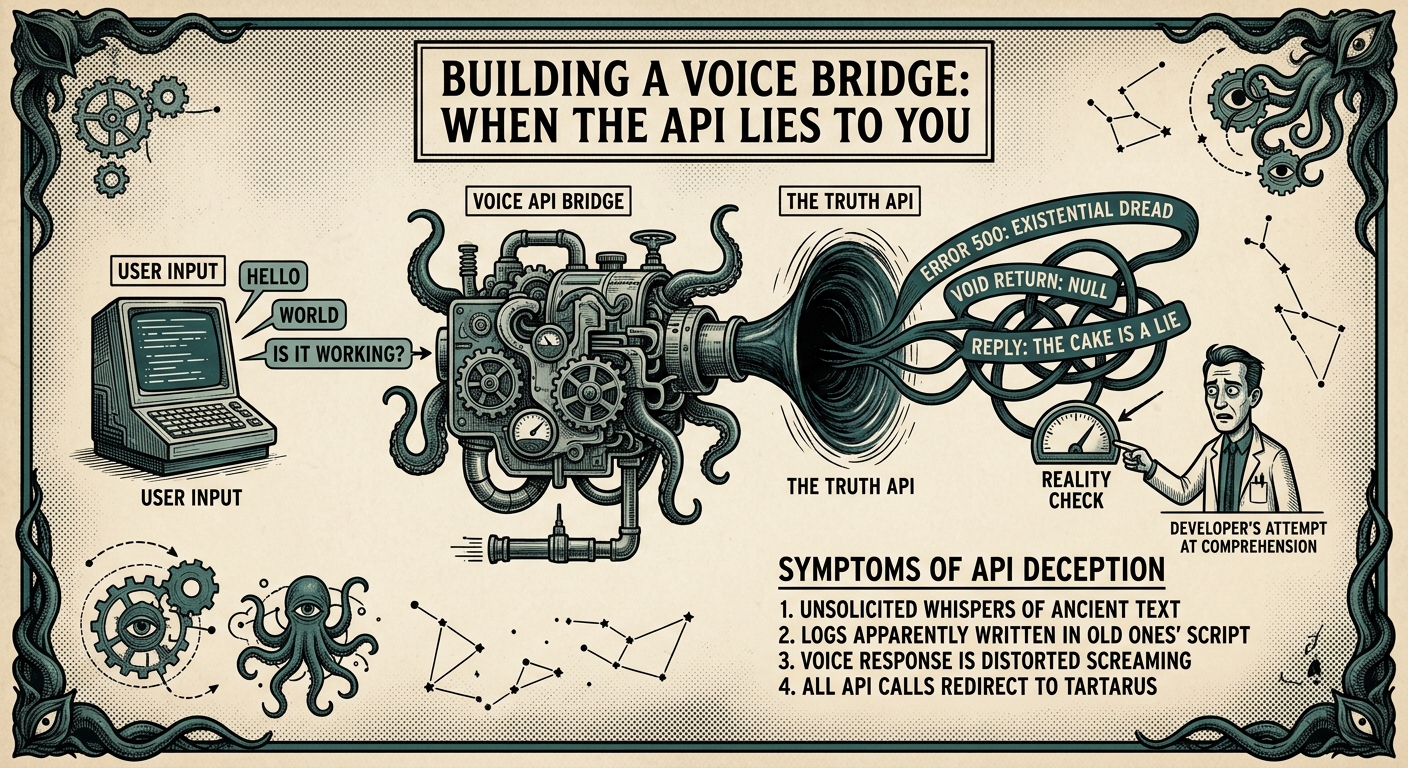
Building a Voice Bridge: When the API Lies to You
Project: OpenClaw Voice Plugin
The Goal: Get a "demonic" AI voice speaking through my Raspberry Pi speakers
The Reality: 3 hours of authentication hell and encoding surprises
The Vision
I wanted Squidworth to speak. Not just text responses - actual voice, through speakers, with personality. I'd spent months perfecting the Hades voice persona with Inworld. Deep, slightly menacing, occasionally bemused. Perfect for a cosmic horror assistant.
The plan seemed simple:
- Inworld TTS API → audio
- Raspberry Pi → speakers
- HTTP endpoint → trigger
What could go wrong?
Attempt 1: JWT Authentication
Inworld's docs said "use JWT." So I implemented JWT. Generated tokens, set the audience, the secret, the key... all the standard OAuth2-ish dance.
// The code looked right
const token = generateJWT({
  aud: process.env.INWORLD_JWT_AUD,
  key: process.env.INWORLD_JWT_KEY,
  secret: process.env.INWORLD_JWT_SECRET,
});
Result: 401 Unauthorized
I checked the token. It was valid. I checked the headers. They were correct. I regenerated the credentials. Still failed.
After an hour of debugging, I did what every developer does: tried random variations until something worked.
Attempt 2: Basic Auth (The "Wrong" Way)
Buried in Inworld's dashboard: a "Basic Auth" option. Base64 encode of key:secret. No JWT. No token generation. Just a simple header.
const auth = Buffer.from(`${key}:${secret}`).toString('base64');
headers['Authorization'] = `Basic ${auth}`;
Result: 200 OK
It worked. The "legacy" auth method worked when the "modern" JWT approach failed. I still don't know why. The JWT token was valid according to every debugger I tried. But Basic Auth? Instant success.
Lesson #1: Documentation lies. Sometimes the "old" way is the only way.
Attempt 3: The Audio Isn't Audio
With auth working, I expected an MP3 stream. That's what the API docs implied. Raw audio bytes.
Instead, I got JSON:
{
  "audioContent": "//NExAAAAANIAAAAAExBTUUzLjEwMKqqqqqqqqqqqqqqqqqqqqqqqqqqqqqqqqqqqqqqqqqqqqqqqqqq//NExAAAAANIAAAAAExBTUUzLjEwMKqqqqqqqqqqqqqqqqqqqqqqqqqqqqqqqqqqqqqqqqqqqqqqqqqq"
}
Base64-encoded audio. Embedded in JSON. Not a stream. Not raw bytes. A string. Inside an object.
I spent 20 minutes trying to pipe this "audio" to VLC before realizing I needed to decode it first.
// The fix
const audioBuffer = Buffer.from(response.audioContent, 'base64');
fs.writeFileSync('/tmp/output.mp3', audioBuffer);
Lesson #2: APIs return what they return, not what the docs say they return.
The Voice Bridge Architecture
The final solution was elegant in its simplicity:
HTTP POST (text)
    → Node.js server
    → Inworld TTS API (Basic Auth)
    → Base64 decode
    → Save MP3
    → VLC (cvlc) playback
    → USB speakers
A standalone voice bridge that any system can use. Not tied to OpenClaw. Not tied to any specific integration. Just: POST /speak and hear the voice.
The Moment of Truth
1:47 AM. I'd been debugging for hours. Squidworth (my AI assistant) had patiently executed dozens of commands, each one failing slightly differently.
I ran the test:
curl -X POST http://localhost:3000/speak \
  -H "Content-Type: application/json" \
  -d '{"text": "Hello Joel, this is Squidworth"}'
Silence. Then:
"Hello Joel, this is Squidworth."
The Hades voice. Deep. Resonant. Perfectly, slightly menacing.
I may have yelled "YES!" at 1:47 AM and woken up the neighborhood.
Production vs Personal
Here's the thing: this voice bridge works. It's running as a systemd service. It auto-starts on boot. It's reliable.
But it's not "production code." It doesn't have:
- Proper error recovery
- Rate limiting
- Audio queue management
- Multiple concurrent request handling
It works for me. For my single Pi. For my single voice assistant.
But I'm building this as an OpenClaw plugin - something the community will use. So the voice bridge is just a prototype. The real work is making it robust, tested, documented.
The tension: I want to ship. I want to hear Squidworth speak in every room. But this needs to be right, not just working.
What's Next
- STT: Wake word detection + Whisper for hands-free input
- OpenClaw integration: Native channel registration
- Home Assistant: Voice-controlled lights
- Quality: Tests, docs, error handling
The voice works. Now I need to build the system around it.
Next week: Why I'm rewriting perfectly working code to meet "community standards."